setup-mysql
7/20/2025
Setup MySQL Action


Overview
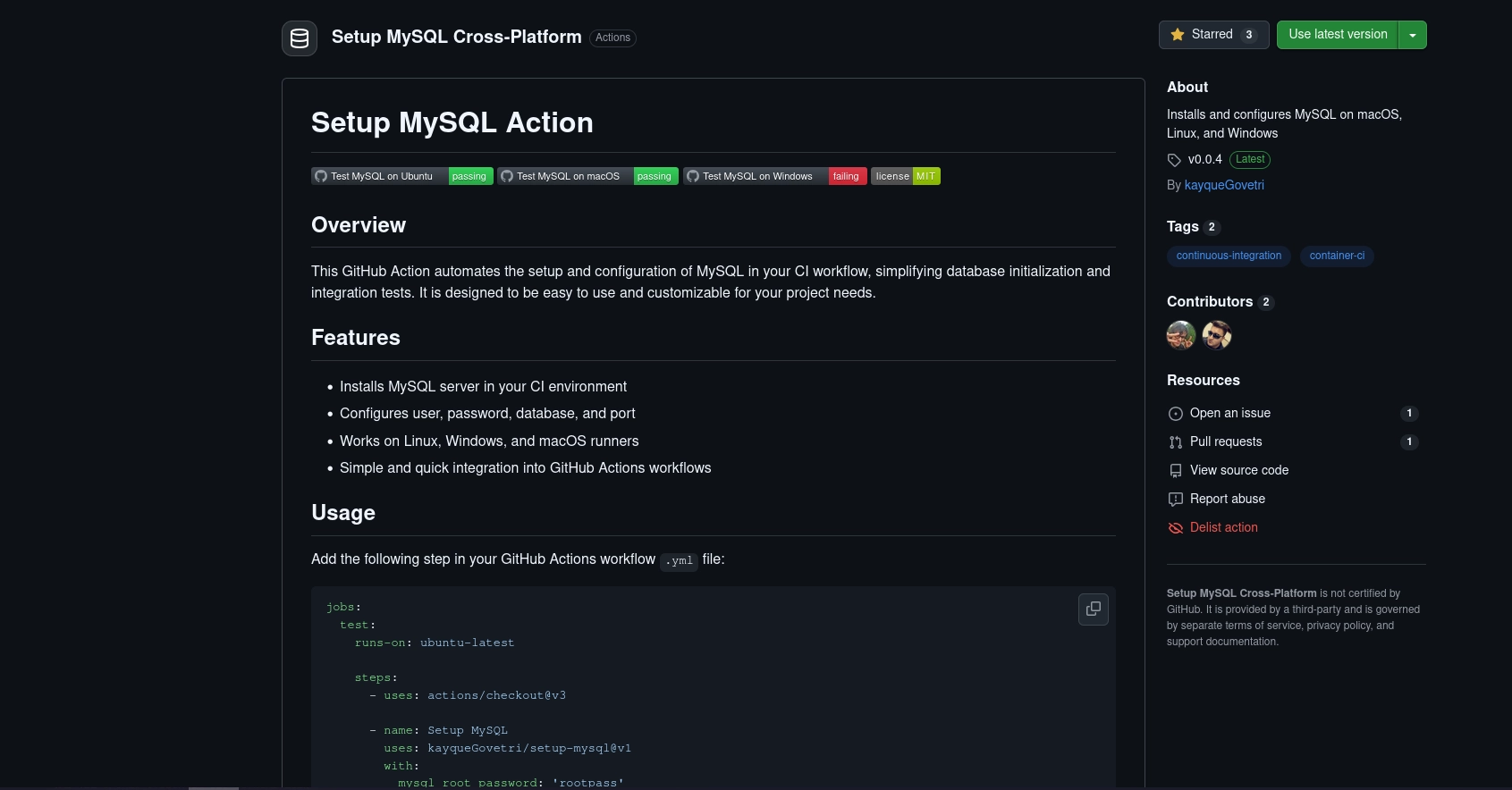
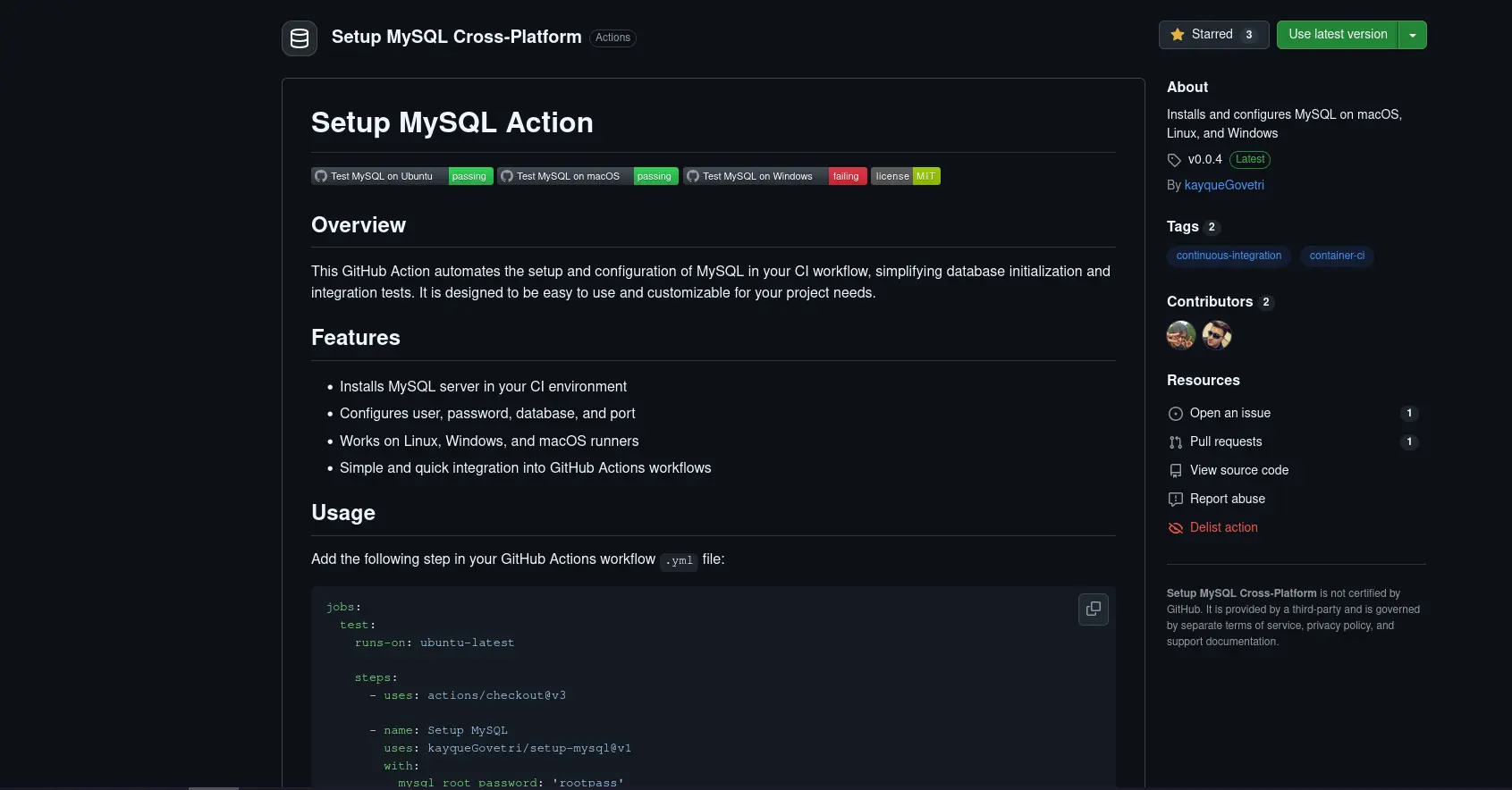
This GitHub Action automates the setup and configuration of MySQL in your CI workflow, simplifying database initialization and integration tests. It is designed to be easy to use and customizable for your project needs.
Features
- Installs MySQL server in your CI environment
- Configures user, password, database, and port
- Works on Linux, Windows, and macOS runners
- Simple and quick integration into GitHub Actions workflows
Usage
Add the following step in your GitHub Actions workflow .yml file:
jobs:  test:    runs-on: ubuntu-latest
    steps:      - uses: actions/checkout@v3
      - name: Setup MySQL        uses: kayqueGovetri/setup-mysql@v1        with:          mysql_root_password: "rootpass"          mysql_database: "my_db"          mysql_user: "dev"          mysql_user_password: "devpass"          mysql_port: 3306
Inputs
| Name | Description | Default | Required |
|---|---|---|---|
mysql_root_password | Password for MySQL root user | root | Yes |
mysql_database | Name of the database to create | test | No |
mysql_user | Database user to create | user | No |
mysql_user_password | Password for the database user | password | No |
mysql_port | Port for MySQL server | 3306 | No |
Notes
-
Supported operating systems:
- Linux (Ubuntu)
- macOS 13 (Ventura), and 14 (Sonoma)
- Windows (Windows Server, Windows 10/11 runners)
-
MySQL will be installed and configured according to the specified version.
-
The MySQL service may take a few seconds to become available after installation.
License
This project is licensed under the MIT License. See the LICENSE file for details.
← Back to projects